Fog is one of the cheapest ways to add depth and atmosphere to a scene. In this post we’ll break down exponential fog: where the formula comes from, how to compute it in a shader, and how to blend the result with the object color. The shaders are written in Slang, but the logic translates directly to any shading language — GLSL, HLSL, MSL.
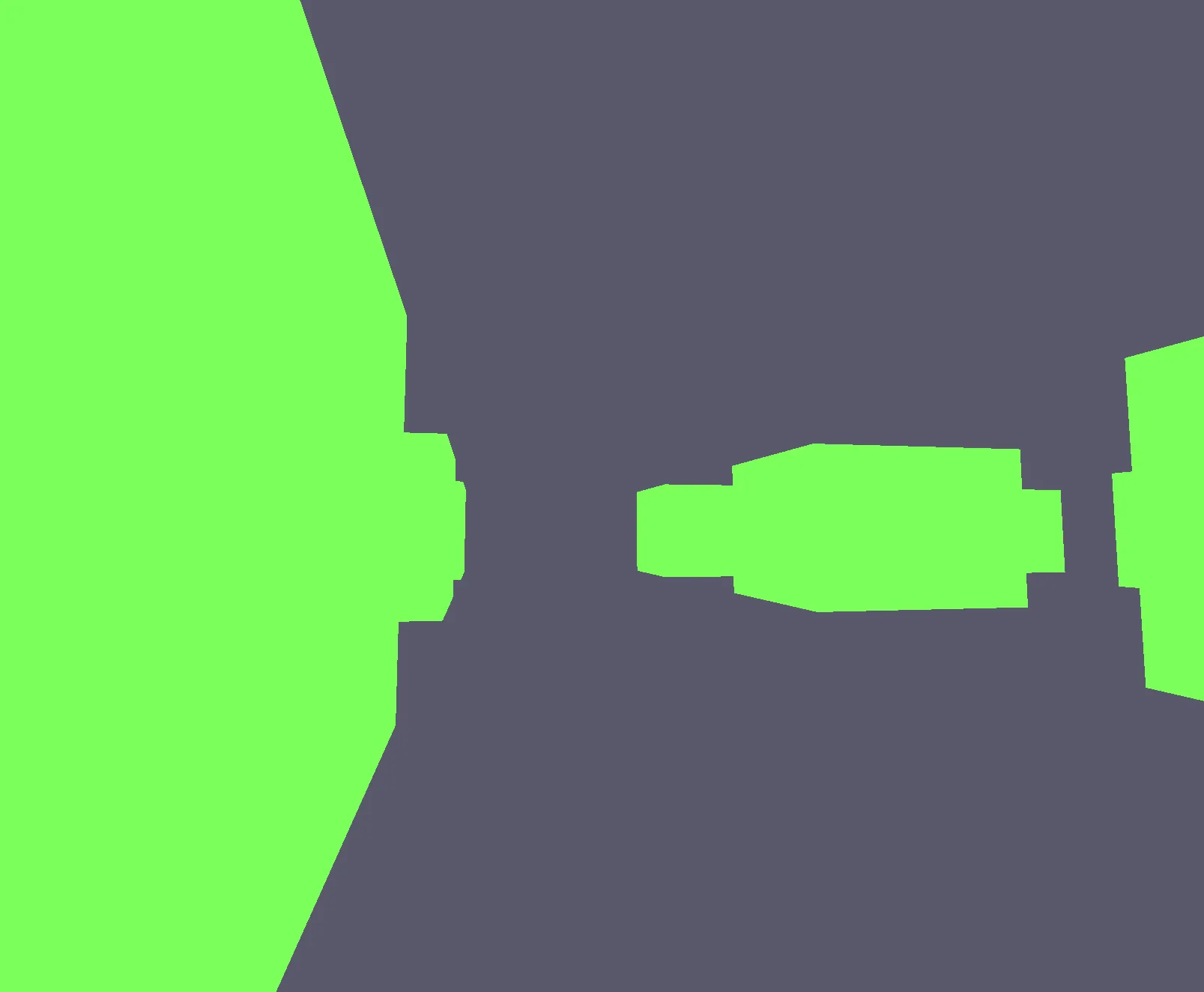
Here’s the scene before fog:
Full shader code
Vertex shader
struct Input
{
    float3 pos : POSITION;
    float2 uv : TEXCOORD;
}

struct Output
{
    float4 sv_position : SV_Position;
    float2 uv : TEXCOORD;
    float depth : TEXCOORD1;
}

struct Transform
{
    column_major float4x4 model;
    column_major float4x4 view;
    column_major float4x4 proj;
}

ParameterBlock<Transform> uTransform;

[shader("vertex")]
Output main(Input input)
{
    float4 worldPos = mul(uTransform.model, float4(input.pos, 1.0f));
    float4 viewPos  = mul(uTransform.view, worldPos);
    Output output;
    output.sv_position = mul(uTransform.proj, viewPos);
    output.uv          = input.uv;
    output.depth       = length(viewPos.xyz);
    return output;
}
Fragment shader
struct Input
{
    float4 sv_position : SV_Position;
    float2 uv : TEXCOORD;
    float depth : TEXCOORD1;
}

[shader("fragment")]
float4 main(Input input) : SV_Target
{
    float3 objectColor = float3(0.2f, 1.0f, 0.1f);
    float3 fogColor    = float3(0.1f, 0.1f, 0.15f);
    float  density     = 0.5f;

    float fogFactor = exp(-density * input.depth);
    fogFactor = clamp(fogFactor, 0.0f, 1.0f);

    float3 finalColor = lerp(fogColor, objectColor, fogFactor);

    return float4(finalColor, 1.0f);
}
Breaking it down
Vertex shader input
struct Input
{
    float3 pos : POSITION;
    float2 uv  : TEXCOORD;
}
Standard vertex attributes: position in local space and UV coordinates. The UVs aren’t used for anything meaningful here — they’re present because vertex attributes are built from shader reflection and the cube vertex buffer already includes texture coordinates.
Vertex shader output
struct Output
{
    float4 sv_position : SV_Position;
    float2 uv          : TEXCOORD;
    float  depth       : TEXCOORD1;
}
Everything standard, plus one key field — depth. It stores the distance from the camera to this point in space and gets passed to the fragment shader as an interpolated value.
Uniform buffer
struct Transform
{
    column_major float4x4 model;
    column_major float4x4 view;
    column_major float4x4 proj;
}

ParameterBlock<Transform> uTransform;
A plain MVP uniform buffer: model matrix, view matrix, projection matrix.
Vertex shader — computing depth
float4 worldPos = mul(uTransform.model, float4(input.pos, 1.0f));
float4 viewPos  = mul(uTransform.view, worldPos);

output.sv_position = mul(uTransform.proj, viewPos);
output.uv          = input.uv;
output.depth       = length(viewPos.xyz);
We transform the vertex position to world space, then to view space. The clip-space position comes from multiplying by the projection matrix — the usual path.
depth is computed as length(viewPos.xyz) — the Euclidean distance from the camera to the vertex in view space. The farther away the vertex, the larger depth and the stronger the fog.
View space is the right place to measure this. In clip/NDC space the position is already distorted by the projection, so distances are no longer meaningful.
Fragment shader input
struct Input
{
    float4 sv_position : SV_Position;
    float2 uv          : TEXCOORD;
    float  depth       : TEXCOORD1;
}
The GPU interpolates depth across the triangle, so the fragment shader receives a smoothly varying distance for every pixel — not just at the vertices.
Fragment shader — the fog formula
float3 objectColor = float3(0.2f, 1.0f, 0.1f);
float3 fogColor    = float3(0.1f, 0.1f, 0.15f);
float  density     = 0.5f;
objectColor is the surface color, fogColor is the fog color (dark blueish), and density controls how thick the fog is. The higher the density, the faster objects disappear into it.
float fogFactor = exp(-density * input.depth);
fogFactor = clamp(fogFactor, 0.0f, 1.0f);
This is the exponential fog formula:
fogFactor = e^(-density * depth)At depth = 0 (object right in front of the camera): e^0 = 1 — fog has no effect.
At large depth: e^(-large) → 0 — the object is completely hidden by fog.
The clamp keeps the value in [0, 1]. It’s technically redundant since exp with positive arguments never leaves that range, but it’s a harmless safety net.
float3 finalColor = lerp(fogColor, objectColor, fogFactor);Linear interpolation between the fog color and the object color, driven by fogFactor. When fogFactor = 1 you get the pure object color. When fogFactor = 0 you get the pure fog color.
return float4(finalColor, 1.0f);Return the final color with full opacity.
Result
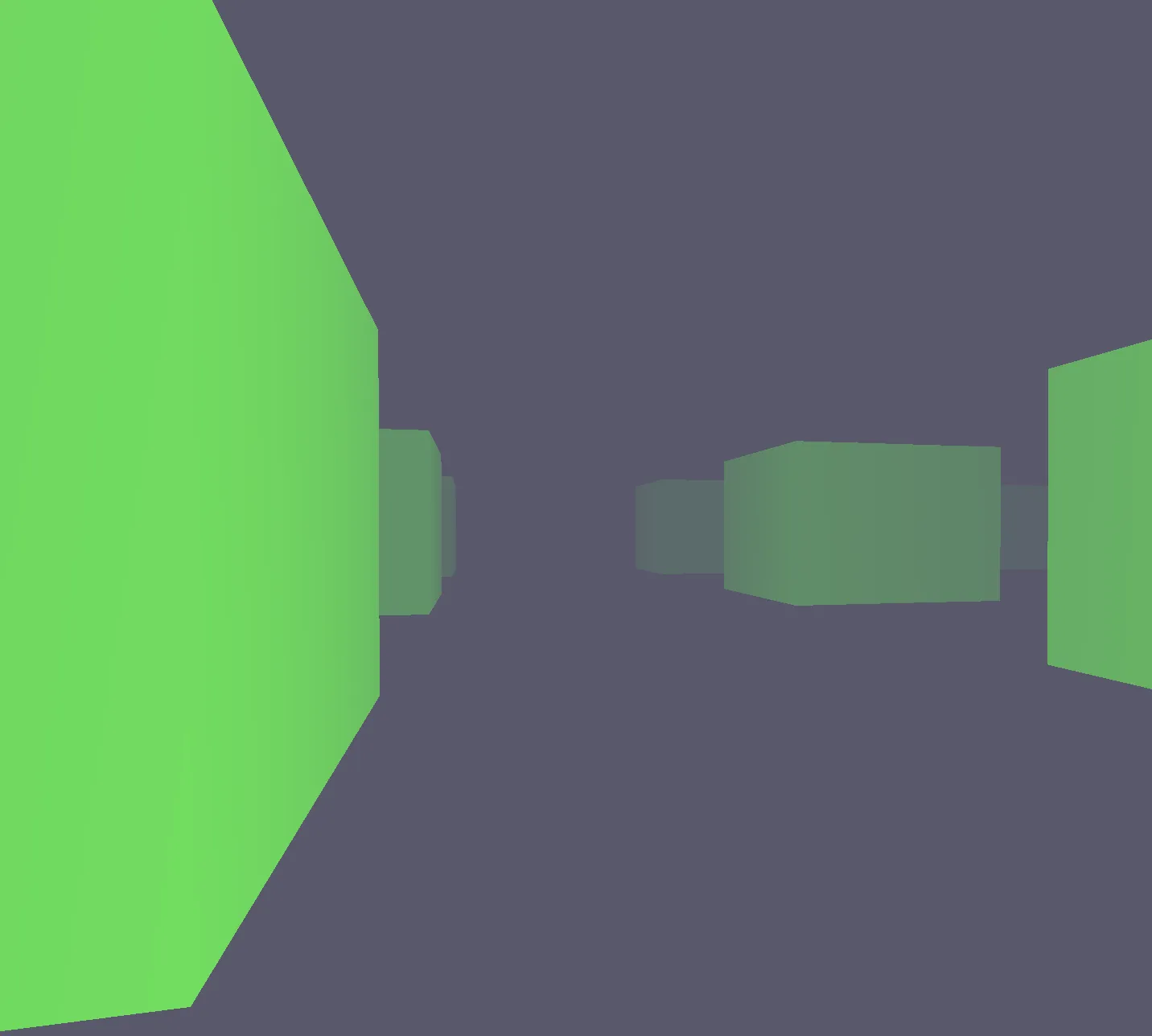
Distant objects fade smoothly into the dark fog. The effect is cheap: one exp and one lerp per fragment, no extra geometry or textures required.
Tweaking the parameters
| Parameter | Effect |
|---|---|
Higher density | Thicker fog, objects disappear closer to the camera |
Lower density | Lighter fog, objects visible from farther away |
Lighter fogColor | Looks like haze or overcast sky |
Darker fogColor | Dark atmosphere, like night fog |